

Managing Editor
@ShahidNShah
@ShahidNShah
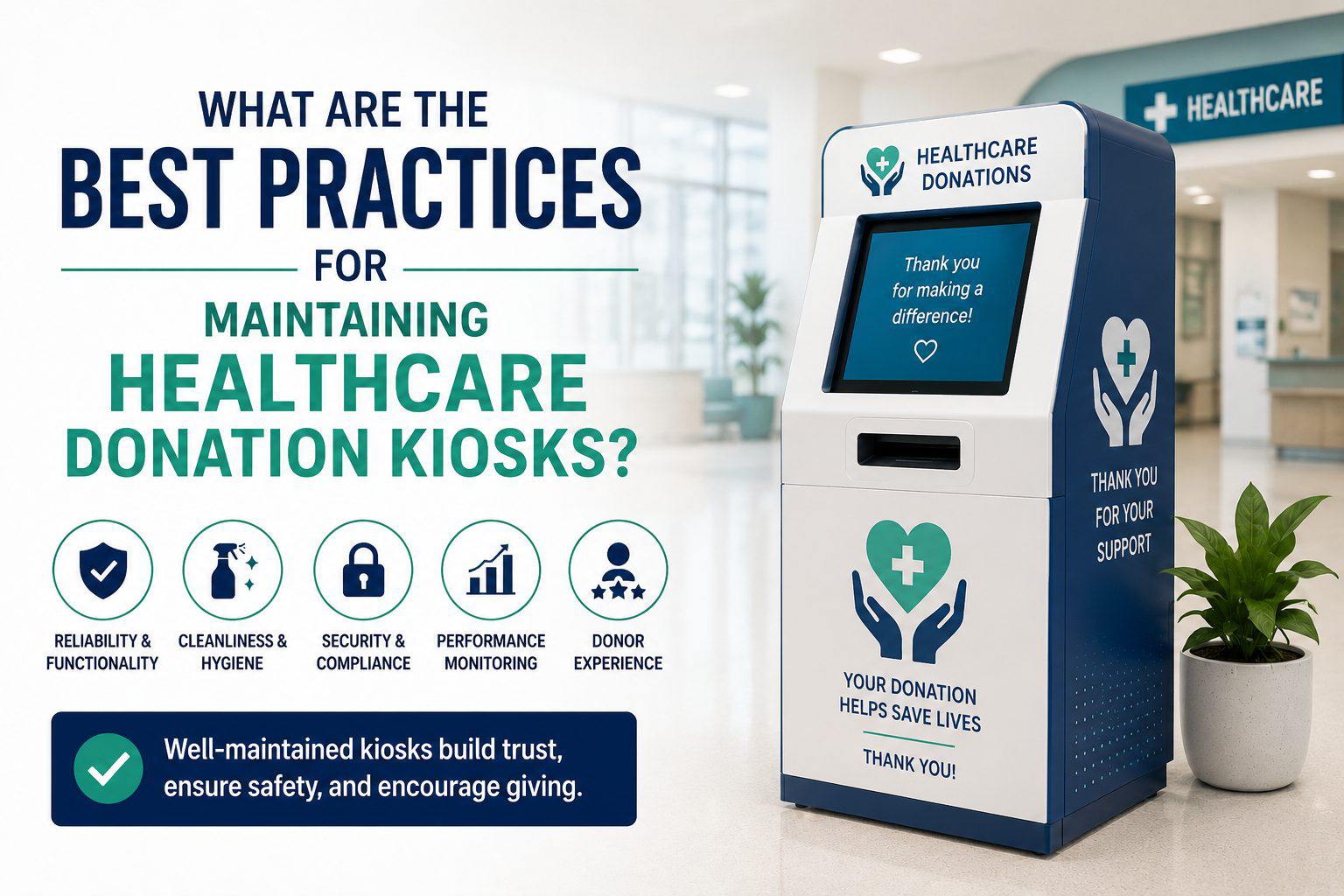
A donation kiosk that is sitting in a hospital lobby is doing something a little different from most kiosks. The people walking past it are going through something different… They have just visited a sick family member or they are leaving after a difficult appointment. When they stop to donate, that moment matters. The last thing it should do is freeze on them, show an error, or have a screen so smudged they can barely read it.
Maintaining these kiosks properly is not complicated. But it does need to actually happen, consistently, rather than only when something breaks.
A lot of organisations treat software updates as something to get around to eventually. With a donation kiosk that handles payment transactions, that approach creates real risk.
Updates are not just about new features. They fix known security issues, patch bugs in payment processing, and keep connected services working properly. Skipping them for months at a time leaves the system exposed to problems that the update was specifically written to prevent.
The better approach is to set a regular update schedule and stick to it. And before rolling an update out to every kiosk in the building, test it on one first. Major updates occasionally break things, and finding that out on a single device is a lot less painful than finding it out across an entire fleet.
Software running fine does not mean the physical machine is fine.
Donation kiosks get used throughout the day by all kinds of people, and over time the hardware takes wear. The touchscreen can develop unresponsive patches. The card reader can start misreading cards. Receipt paper runs out. Cables work themselves loose from being knocked around.
None of these things announce themselves loudly. They just quietly make the kiosk worse to use until eventually a donor tries to give money and cannot complete the transaction. Checking the hardware on a regular basis, touching the screen in different areas, running a test transaction, making sure the printer is loaded, takes a few minutes and catches these things before donors encounter them.
In a healthcare environment this one matters more than it would elsewhere. People are already thinking about hygiene. A grubby screen with fingerprints all over it is not something most people want to touch, and in a hospital setting that feeling is amplified.
Cleaning the touchscreen and payment terminal regularly keeps the kiosk looking like something worth using. It also makes the screen easier to read, which sounds minor until you are standing in front of a smudged display trying to find the confirm button.
Use products that are actually safe for electronic screens. A regular household cleaner can damage the coating on a touchscreen over time.
Waiting for someone to report a broken kiosk is not a maintenance strategy. By the time a donor tells a staff member the machine is not working, it has probably been broken for a while and an unknown number of people have already walked away without donating.
Remote monitoring tools in donation kiosk software lets you see the health of the kiosk without being in the room with it. Whether the device is online, whether the payment system is responding, whether there are recurring errors in the logs. That kind of visibility means issues get caught and fixed faster, often before anyone using the kiosk even notices there was a problem.
When someone makes a donation through a kiosk they are entering payment information and sometimes personal details. They are trusting the organisation with that.
The basics need to be in place. Payment processing should use encrypted connections. Any personal information that has been collected should not sit on the device after the session ends. The kiosk should clear all user data automatically once a transaction is complete. This way, when the next person walks up, he/she cannot see anything from the previous session.
Access to the admin side of the kiosk should also be restricted and protected properly.
These are not difficult things to set up but they do need to be checked periodically because settings get changed, systems get updated, and configurations drift over time. With professional donation kiosk software development services, you can ensure excellent security.
Not every issue needs a technician. Some of the most common problems, receipt paper running out, the kiosk needing a restart, a connectivity issue that clears itself after a reboot, are things any member of staff can handle if they know what to look for. Build a short guide on:
This just means minor problems get dealt with quickly instead of the kiosk sitting out of service for hours waiting for someone with the right job title to look at it.
It also helps to have a clear way for staff to report problems when they do spot them. If nobody knows whose job it is to log a fault or who to tell, issues end up falling through the cracks.
The organisations that keep their kiosks running well are usually the ones that treat maintenance as a routine. This means that they don’t wait around for something to go wrong to fix it. They conduct weekly checks of the hardware and a monthly review of the software and security settings. They have a schedule set that actually gets followed.
Writing it down matters too. Keeping a record of when updates were applied and what was repaired helps avoid issues later on. In the long run, it helps keep track of what recurring issues have come up so that spotting patterns is easier.
If the card reader on one particular kiosk keeps having problems, that record is what shows you it has happened four times in three months and probably needs replacing rather than fixing again.
For a healthcare organisation where donor relationships are genuinely important, a kiosk that works reliably every time is part of how you show people their contribution is in good hands.

Chief Editor - Medigy & HealthcareGuys.

People tend to associate aging with various processes related to good physical health and prevention of diseases. At the same time, it is important to mention that healthy aging includes not only …
Posted Jul 8, 2026 Care Management Elderly
Connecting innovation decision makers to authoritative information, institutions, people and insights.

Medigy accurately delivers healthcare and technology information, news and insight from around the world.
Medigy surfaces the world's best crowdsourced health tech offerings with social interactions and peer reviews.
© 2026 Netspective Foundation, Inc. All Rights Reserved.
Built on Oct 22, 2026 at 6:05pm